

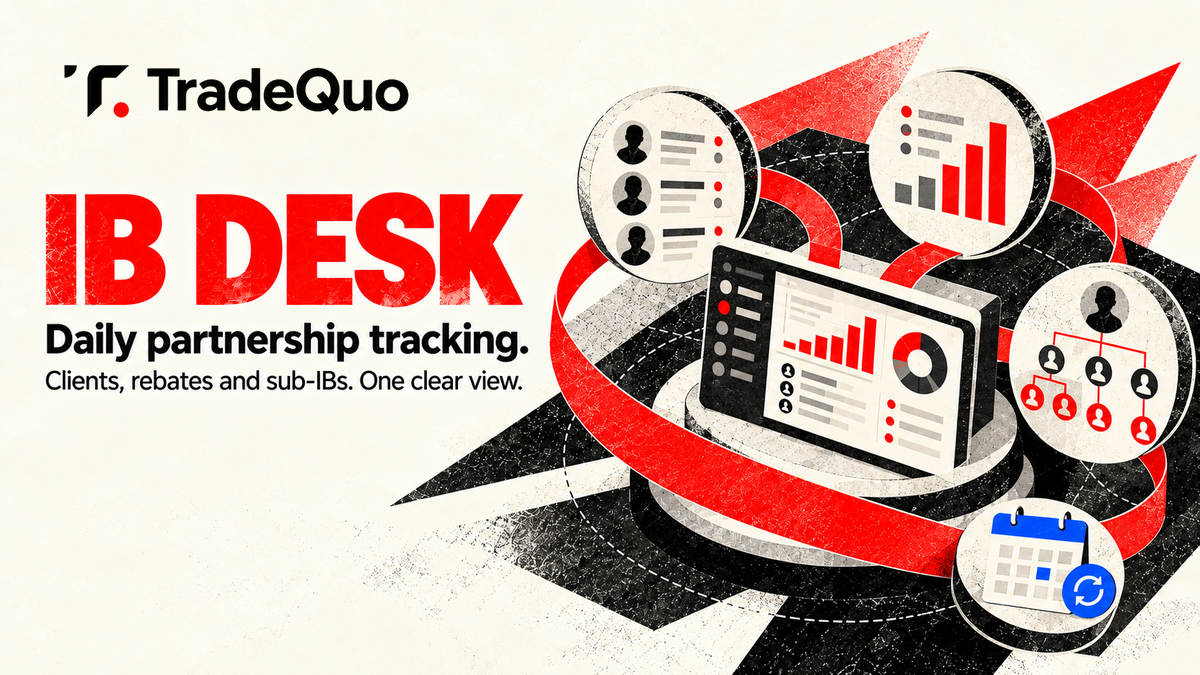
TradeQuo has launched the IB Desk, a new workspace that brings partnership information together in one place. Partners can use it to follow their clients, rebates and sub-IB network, with the figures refreshed every day. It is organized around three principal views: an overview dashboard, My Clients and My Sub-IBs.
Together, these sections cover the headline figures for the current month, individual client records and the wider partner network. It retains separate views for monthly highlights, daily commissions, client-level information and the network by level. New dashboard supports search, filters and CSV exports in the relevant sections.
An overview of monthly partnership activity
The overview dashboard opens with two rebate figures: yesterday’s rebate and the month-to-date rebate. Yesterday’s rebate is based on the last fully closed day, because figures refresh daily. The overview also presents net deposits and active clients for the month.
Net deposits are calculated as deposits minus withdrawals, keeping the definition of the figure visible alongside the other monthly measures. Monthly highlights provide another way to review activity. The IB Desk identifies the best day, top client and top traded pair for the month.
Daily commissions calendar shows the rebate earned on every day of that month, and the daily figures to be viewed within the wider monthly picture. Two ranking areas complete the dashboard summary. Clients’ leaderboard displays the most active clients according to rebate, deposits and balance.
Client details and reporting periods
Top sub-IBs section highlights the best-performing partners in the user’s sub-IB network. My Clients view contains the complete list of a partner’s clients. Each record includes the client’s balance, trading volume, rebate and status.
Available status labels are active, low activity and inactive. Additional fields show when each client registered and how many sub-clients the client has introduced. Partners can search the list by a client’s name, email address or ID.
Partners can filter records by status and hide clients whose rebate is zero. The time period is adjustable within the client view. Partners can select 30 days, 90 days, 12 months or all time, depending on the range they need to review.
Network visibility through My Sub-IBs
Partners can export the client information to CSV. The My Sub-IBs section provides a view of the full partner network, organised by level. It shows the number of clients, deposits and total rebate associated with the network entries.
Users can search the sub-IB list, filter it by level and export the displayed data to CSV. Level view and the client counts sit alongside the deposit and rebate information, keeping the structure of the network and its reported figures within the same section. The top sub-IB summary on the overview dashboard provides a headline view, while My Sub-IBs contains the broader level-based list.
Controls for programmes months and languages
The IB Desk also includes controls for partners who need to move between different reporting contexts. Users can switch between their IB programmes, step backwards or forwards through individual months and view the desk in their language. These controls apply alongside the daily data refresh.
The current-day activity is not presented as yesterday’s rebate; that label always reflects the last day that has fully closed. Other dashboard elements can then be reviewed for the selected month or one of the available client reporting periods. By combining the overview, client records and sub-IB network information, the IB Desk provides a single location for the partnership details described above.